
Universal components and utilities for all MHM websites. Based on brand-kit-base.css
h1-h6 or .mhm-h1 through .mhm-h6<h1>Heading 1</h1>
<h2>Heading 2</h2>
<!-- or use classes -->
<div class="mhm-h1">Heading 1</div>.mhm-display-xl, .mhm-display-lg, .mhm-display-md<div class="mhm-display-xl">Display XL</div>
<div class="mhm-display-lg">Display LG</div>
<div class="mhm-display-md">Display MD</div>p, .mhm-lead, .mhm-small, .mhm-caption, .mhm-overlineRegular paragraph text. The quick brown fox jumps over the lazy dog. Lorem ipsum dolor sit amet, consectetur adipiscing elit.
Lead text - Larger, introductory paragraph that draws attention.
Small text - For fine print or secondary information.
Caption text - Even smaller for image captions or annotations.
Overline - Section Label
<p>Regular paragraph</p>
<p class="mhm-lead">Lead text</p>
<p class="mhm-small">Small text</p>
<p class="mhm-caption">Caption text</p>
<p class="mhm-overline">Overline</p>a, .mhm-link, .mhm-link-subtleLink styled with .mhm-link class
<a href="#">Standard link</a>
<span class="mhm-link">Link class</span>
<a href="#" class="mhm-link-subtle">Subtle link</a>ul, ol<ul>
<li>List item</li>
<li>List item</li>
</ul>
<ol>
<li>Numbered item</li>
<li>Numbered item</li>
</ol>.mhm-cardThis is a basic card with default styling. It includes padding, border radius, and a subtle border.
<div class="mhm-card">
    <h3>Card Title</h3>
    <p>Card content here...</p>
</div>.mhm-card-elevatedThis card has a shadow and lifts on hover. Perfect for interactive elements.
<div class="mhm-card mhm-card-elevated">
    <h3>Elevated Card</h3>
    <p>Hover me!</p>
</div>.mhm-card-accentThis card uses the accent colour with white text. Great for featured content.
Learn More →<div class="mhm-card mhm-card-accent">
<h3>Accent Card</h3>
<p>Featured content</p>
</div>.mhm-card-primary<div class="mhm-card mhm-card-primary">
<h3>Primary Card</h3>
<p>Important content</p>
</div>.mhm-card-outlineThis card has a transparent background with a thicker border.
<div class="mhm-card mhm-card-outline">
    <h3>Outline Card</h3>
    <p>Subtle style</p>
</div>.mhm-card__header, .mhm-card__body, .mhm-card__footerThis card uses semantic sections for header, body, and footer content.
<div class="mhm-card">
    <div class="mhm-card__header">
        <h3>Card Title</h3>
    </div>
    <div class="mhm-card__body">
        <p>Content here</p>
    </div>
    <div class="mhm-card__footer">
        <button>Action</button>
    </div>
</div>.mhm-containerThis container has a max-width of 1200px and responsive padding. It centers content on the page.
<div class="mhm-container">
    <!-- Your content here -->
</div>.mhm-container-narrowThis narrow container has a max-width of 800px. Perfect for blog posts, articles, or text-heavy pages.
<div class="mhm-container-narrow">
    <!-- Article content -->
</div>.mhm-sectionSections provide consistent vertical padding (top and bottom). This creates rhythm between page sections.
<section class="mhm-section">
    <!-- Section content -->
</section>.mhm-section-smSmall sections have half the padding of regular sections. Use for tighter layouts.
<section class="mhm-section-sm">
    <!-- Compact section -->
</section>.mhm-grid .mhm-grid-2<div class="mhm-grid mhm-grid-2 mhm-gap-md">
<div>Column 1</div>
<div>Column 2</div>
</div>.mhm-grid .mhm-grid-3<div class="mhm-grid mhm-grid-3 mhm-gap-md">
<div>Column 1</div>
<div>Column 2</div>
<div>Column 3</div>
</div>.mhm-grid .mhm-grid-4<div class="mhm-grid mhm-grid-4 mhm-gap-md">
<div>Column 1</div>
<div>Column 2</div>
<div>Column 3</div>
<div>Column 4</div>
</div>.mhm-gap-xs, .mhm-gap-sm, .mhm-gap-md, .mhm-gap-lg, .mhm-gap-xl<div class="mhm-grid mhm-grid-3 mhm-gap-lg">
<!-- Large gap between items -->
</div>.mhm-badge | Variants: .mhm-badge-primary, .mhm-badge-secondary, .mhm-badge-accent, .mhm-badge-outline<span class="mhm-badge mhm-badge-primary">New</span>
<span class="mhm-badge mhm-badge-secondary">Featured</span>
<span class="mhm-badge mhm-badge-accent">Popular</span>
<span class="mhm-badge mhm-badge-outline">Coming Soon</span><h3>Latest Projects <span class="mhm-badge mhm-badge-accent">12 New</span></h3>.mhm-chip<span class="mhm-chip">Architecture</span>
<span class="mhm-chip">Interior Design</span>.mhm-label, .mhm-input, .mhm-form-hint<label class="mhm-label">Your Name</label>
<input type="text" class="mhm-input" placeholder="Enter your name">
<div class="mhm-form-hint">Please enter your full name</div>.mhm-textarea<label class="mhm-label">Message</label>
<textarea class="mhm-textarea" rows="4"></textarea>.mhm-select<label class="mhm-label">Service Type</label>
<select class="mhm-select">
<option>Option 1</option>
<option>Option 2</option>
</select>.mhm-dividerContent above divider
Content below divider
<hr class="mhm-divider">.mhm-divider-gradientContent above divider
Content below divider
<hr class="mhm-divider-gradient">.mhm-img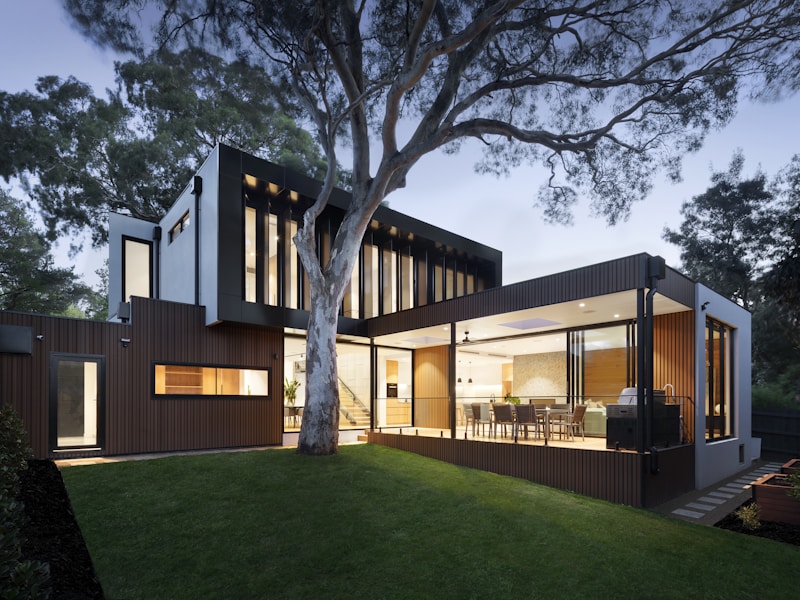
<img src="..." alt="..." class="mhm-img">.mhm-img-rounded
<img src="..." alt="..." class="mhm-img-rounded">.mhm-img-circle
<img src="..." alt="..." class="mhm-img-circle">.mhm-aspect-16-9, .mhm-aspect-4-3, .mhm-aspect-1-116:9 Ratio
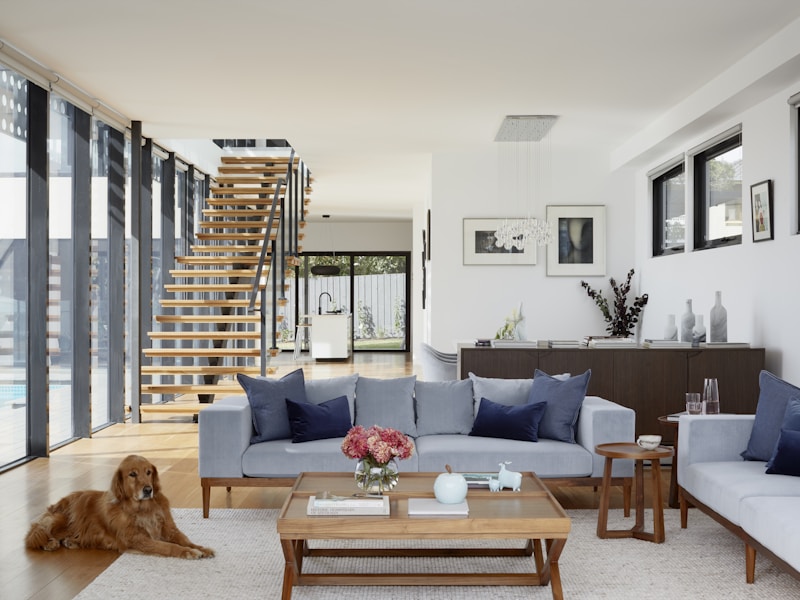
4:3 Ratio

1:1 Square

<img src="..." class="mhm-img mhm-aspect-16-9">
<img src="..." class="mhm-img mhm-aspect-4-3">
<img src="..." class="mhm-img mhm-aspect-1-1">.mhm-logo-mark<img src="logo-mark.png" alt="Logo" class="mhm-logo-mark">--mhm-logo-mark-size (default: 48px)
.mhm-logo-full<img src="logo-full.png" alt="Company Logo" class="mhm-logo-full">--mhm-logo-full-width (default: 200px)
.mhm-swatch, .mhm-swatch__colour, .mhm-swatch__label, .mhm-swatch__value<div class="mhm-swatch">
<div class="mhm-swatch__colour" style="background: #5A8258;"></div>
<div class="mhm-swatch__meta">
<span class="mhm-swatch__label">Primary</span>
<span class="mhm-swatch__value">#5A8258</span>
</div>
</div>.mhm-swatch--small, .mhm-swatch--large<div class="mhm-swatch mhm-swatch--small">...</div>
<div class="mhm-swatch">...</div>
<div class="mhm-swatch mhm-swatch--large">...</div>.mhm-alert-info, .mhm-alert-success, .mhm-alert-warning, .mhm-alert-error<div class="mhm-alert mhm-alert-info">Info message</div>
<div class="mhm-alert mhm-alert-success">Success message</div>
<div class="mhm-alert mhm-alert-warning">Warning message</div>
<div class="mhm-alert mhm-alert-error">Error message</div>.mhm-note<div class="mhm-note">
<strong>Note:</strong> Your message here...
</div>.mhm-mt-0, .mhm-mt-xs, .mhm-mt-sm, .mhm-mt-md, .mhm-mt-lg, .mhm-mt-xl, .mhm-mt-2xl<div class="mhm-mt-md">16px margin top</div>
<div class="mhm-mt-xl">32px margin top</div>.mhm-mb-0, .mhm-mb-xs, .mhm-mb-sm, .mhm-mb-md, .mhm-mb-lg, .mhm-mb-xl, .mhm-mb-2xl<div class="mhm-mb-md">16px margin bottom</div>.mhm-p-0, .mhm-p-xs, .mhm-p-sm, .mhm-p-md, .mhm-p-lg, .mhm-p-xl, .mhm-p-2xl<div class="mhm-p-md">16px padding all sides</div>These variables are dynamically set by your active brand slot in the Brand Kit plugin.
background: var(--mhm-primary);padding: var(--mhm-space-lg);border-radius: var(--mhm-radius);
Now that you've reviewed the core components, check out your site-specific custom reference for ADS, CMS, and other individual sites.